Three workflows worth automating first
Most professionals don't need a master plan — they need one workflow off their plate. Here are three AI automations that almost always pay for themselves, with real examples of what they look like in practice.
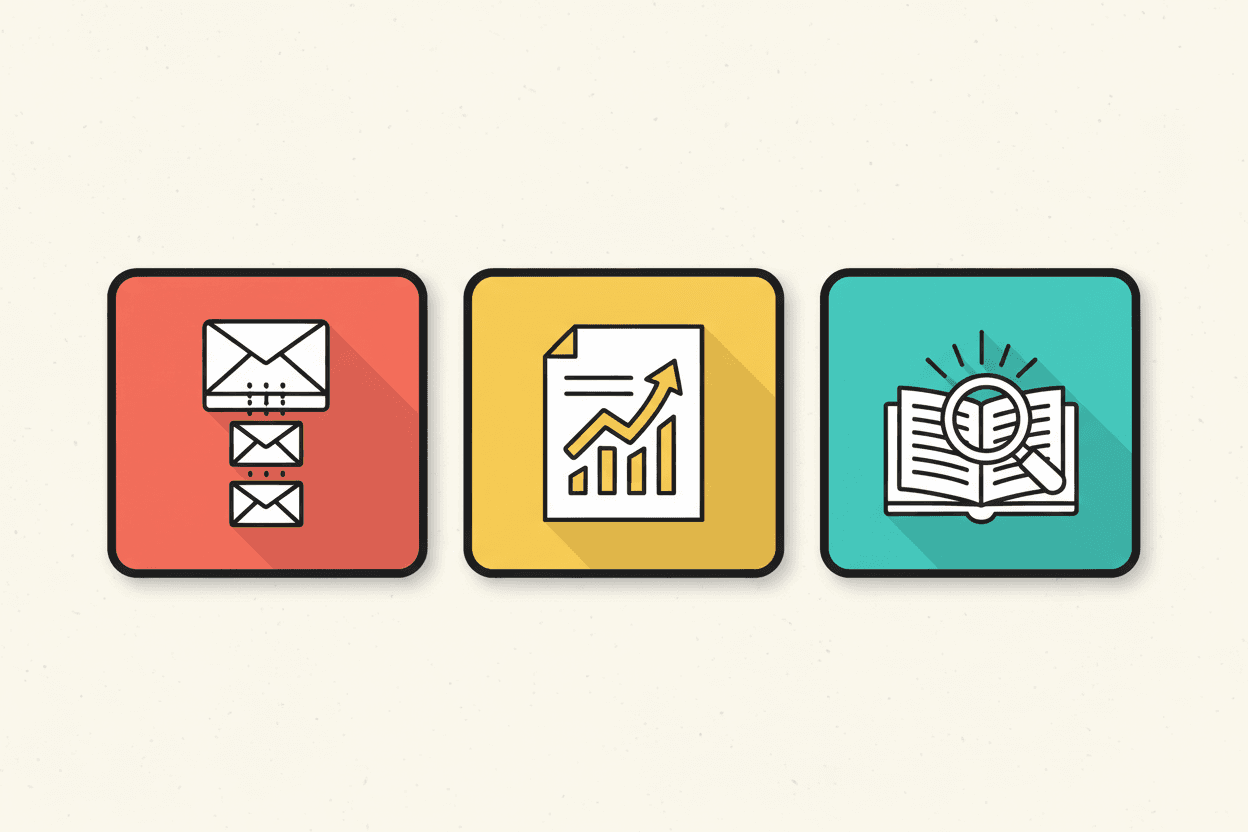
When professionals come to me with the question what should I automate first?, the right answer is rarely the most ambitious one. The first automation matters more than any after it, because it's the one that makes the whole thing stop being abstract.
Here are three workflows I keep recommending, in roughly the order I'd recommend them. None require building anything complicated. All of them save real time. And more importantly, all of them prove the concept — that AI can quietly handle work in the background, the same way a quiet, competent assistant would.
1. Intake — turning a flood into a clean queue
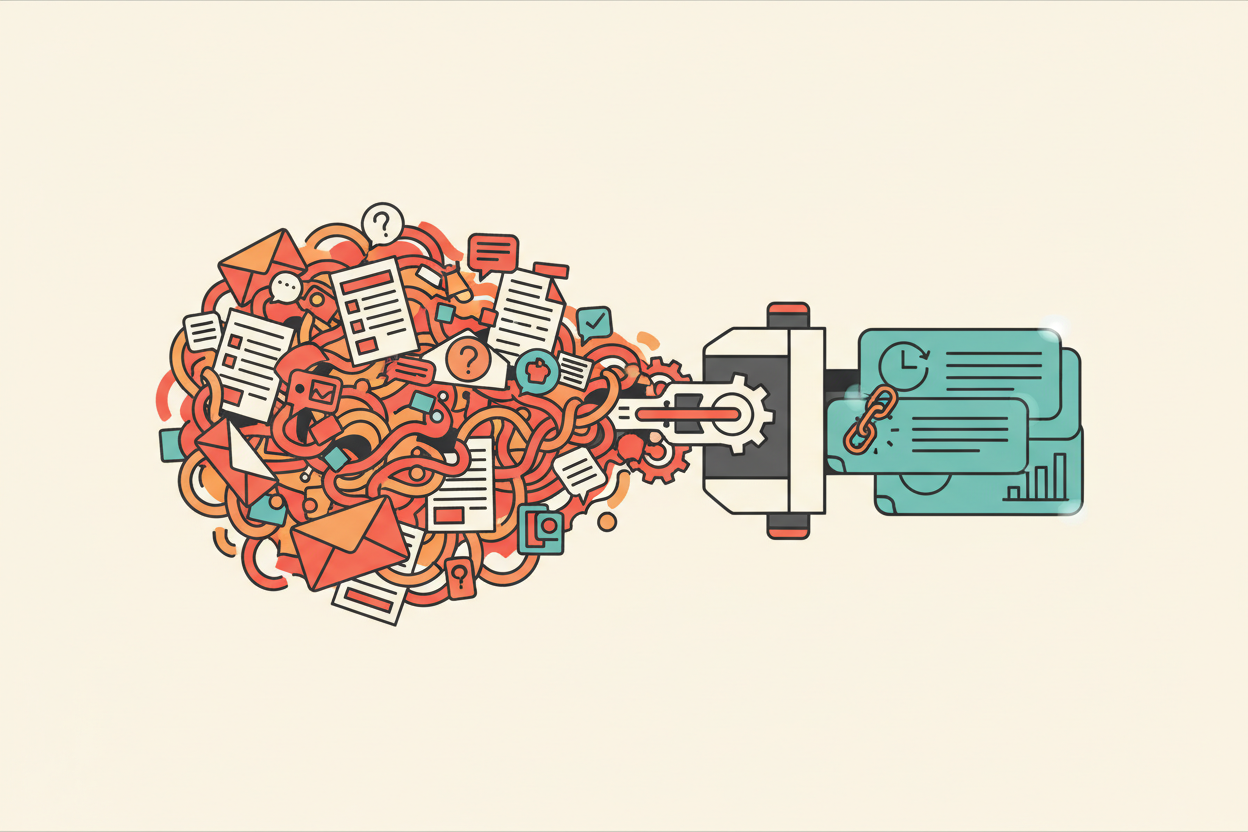
Almost every professional I work with has some version of the same problem: too many things come in. Emails. Form submissions. Voicemails. Slack messages. Texts. The day starts with triage. Triage takes thirty to ninety minutes. By the time you've sorted what's urgent from what's noise, the most demanding part of your day is already behind you and you haven't done any real work yet.
An intake automation does the triage. It looks like this:
- Every incoming message — email, form, voicemail transcript — passes through an AI agent
- The agent reads it, classifies it (urgent, routine, junk), summarizes it in two lines
- It puts the result on a single screen, sorted, with the original linked behind each summary
You wake up. There's a queue, not a chaos. The queue has fifteen items instead of two hundred. You scan it in five minutes. You handle the urgent ones. The rest can wait, or get auto-handled.
This is not impressive technology — it's a thin layer on top of capable models. But the time and energy gain is real. A small medical practice I worked with on this got their morning back. The intake queue replaced three hours of email triage a week.
2. Recurring reports — the report writes itself
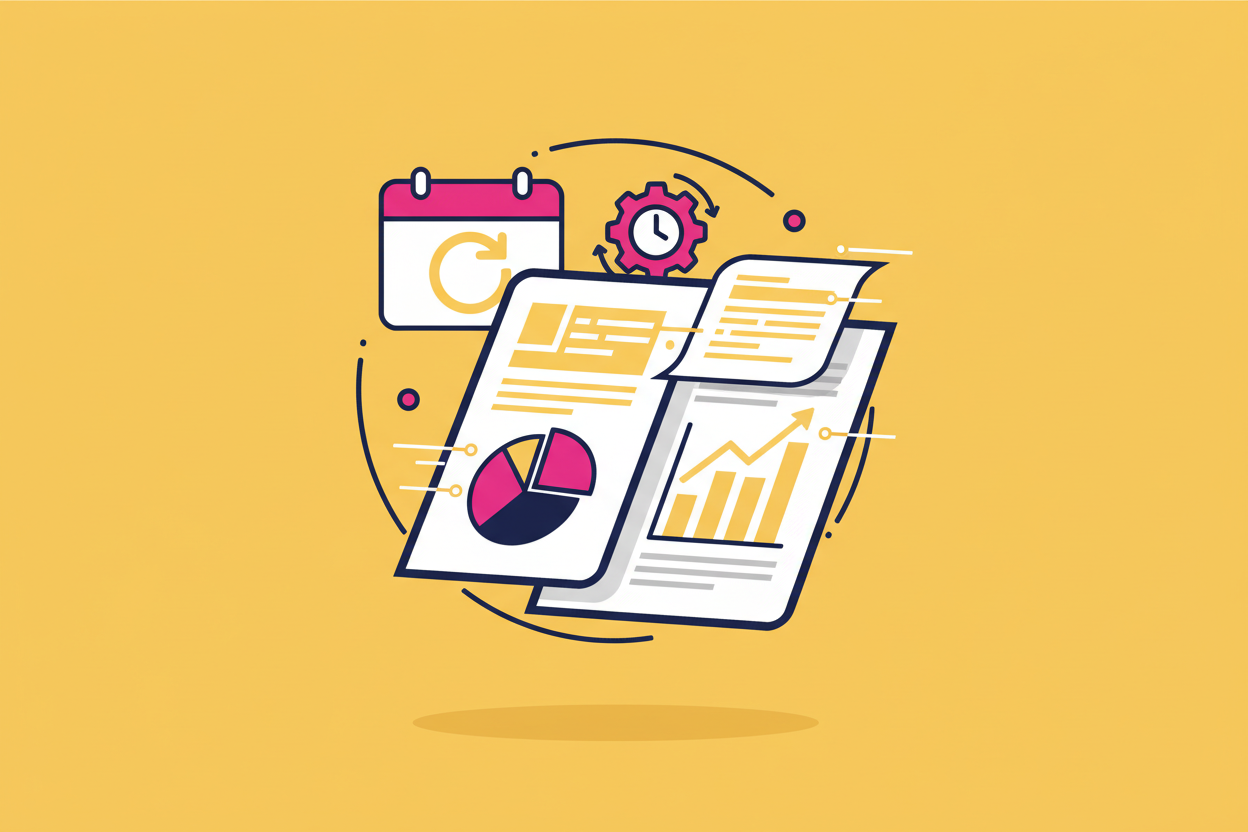
Almost every professional has a recurring report they hate writing. A weekly status update to a partner. A monthly review for a board. A quarterly summary of cases or clients or projects. The data exists; pulling it together is the chore.
This automation looks like:
- A scheduled agent runs once a week (or month, or quarter)
- It pulls from the systems where the data lives — your CRM, your accounting software, your case-management tool, your calendar
- It writes a draft of the report, in your voice, including the summary and the relevant details
- It puts the draft in your inbox or your editor for you to review
You spend ten minutes editing instead of two hours writing. The structure is consistent across periods, which means the report itself gets better — easier to compare, easier to act on.
I've seen this work for a solo accountant who used to spend a Saturday a month on his client newsletter. It now takes him an hour, and he likes the writing better because he edits instead of writing from scratch.
3. Knowledge base — your work, finally searchable
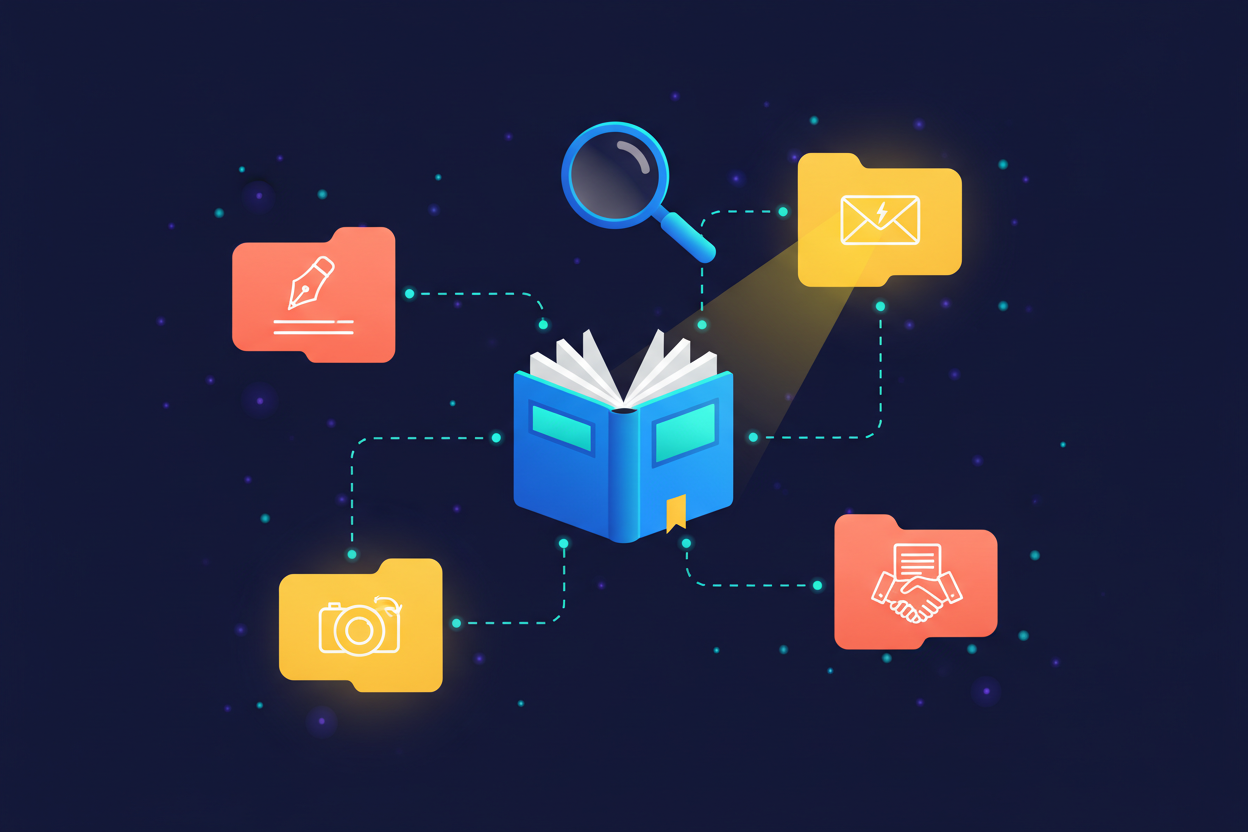
The third workflow is the quietest, but for many professionals it's the most powerful. Every working professional has a body of accumulated work — past notes, contracts, research, emails, documents — that they can technically access, but realistically can't search through usefully.
A knowledge base automation looks like this:
- Your documents — Notion, Drive, Dropbox, email — get loaded into an AI-readable index
- The AI can answer questions across all of it, with citations back to the source
- You ask things in plain English: What did I write to this client about scope last fall? Where in my notes did I see the protocol for X? What's the precedent we cited in Smith v. Jones?
- The answers come back with the source attached so you can verify
Suddenly your past work becomes useful again. Not as a filing system, but as a colleague who has read everything you've ever written and can be asked.
This is the workflow that most often makes people say now I get it. Because they're not learning a new tool — they're recovering access to their own work.
What these have in common
None of these is flashy. None of them require an engineering degree to set up. None of them replaces you. They just take a recurring chore and quietly hand it to an AI that's much better at chores than at intellectual work.
Each one takes between an hour and a few days to set up cleanly, depending on how integrated your tools already are. Each, in my experience, repays itself within the first two weeks.
If you're looking at the AI landscape and trying to figure out where to start: pick one. The order doesn't matter much. Once any of them is running, the question of how do I use AI in my work stops being abstract and starts being a list of next things to build.
That's the move from understanding to building. The first workflow is the bridge.
Get the next one in your inbox.
A quiet dispatch on the writing, the builds, and the patterns that keep showing up past the chat window.